AI Receptionist for Electricians Who Work in the Field
Our AI receptionist for electricians answers as your business, gathers job details and routes urgent calls once your number forwards to it. Try a fictional electrical call in the browser demo, then request a free trial to test your setup.
Try the burning-smell call Try it free
Free trial on request: 14 days, up to 100 minutes.PrivacySecurity
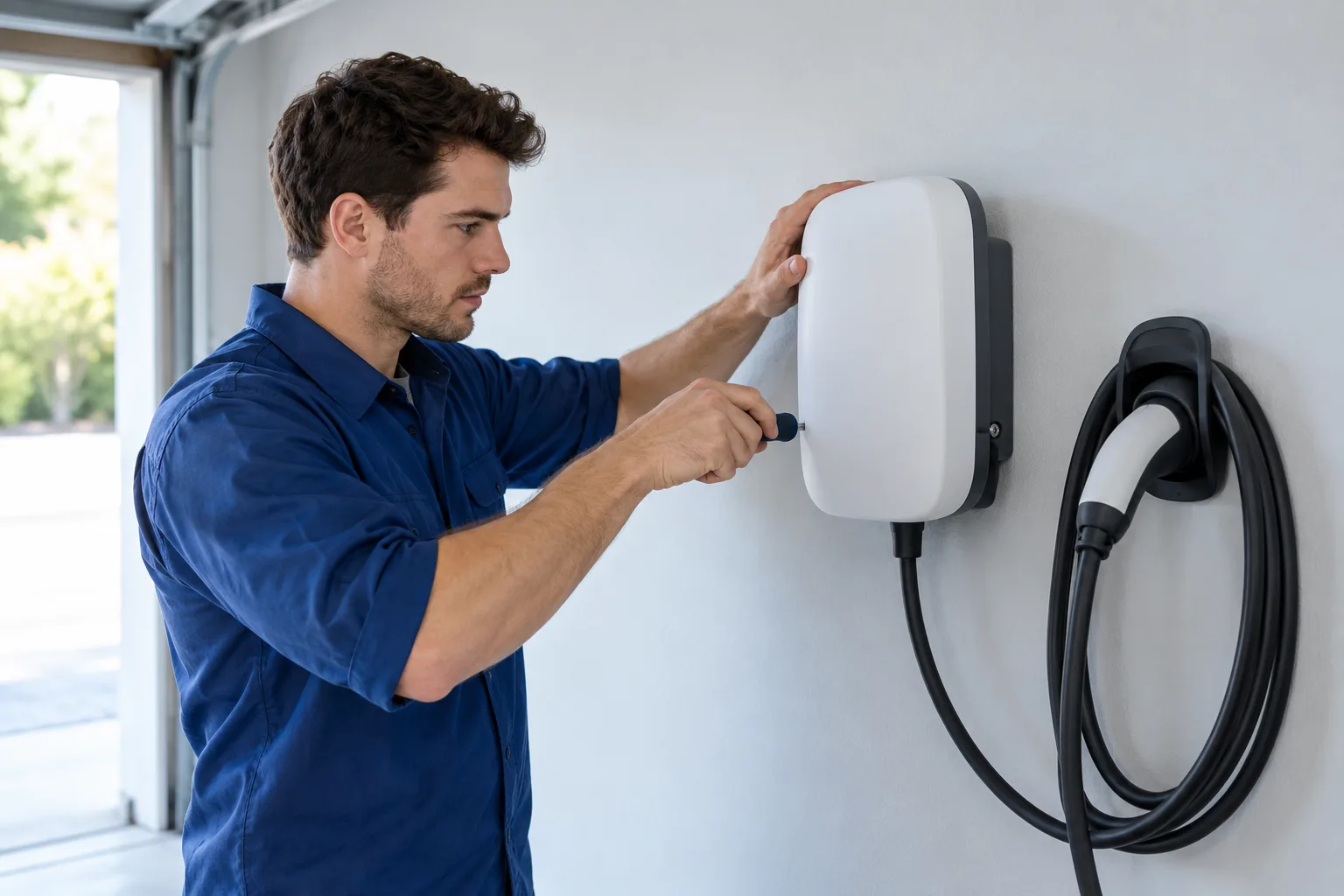
What your AI receptionist handles on electrical calls
Your receptionist asks about the electrical problem, records the caller's details and follows your booking or callback rules. We give it your services, service area and urgency instructions during onboarding.
Collect the problem, location and callback details while you work.
Put estimates into Google Calendar or collect details for your callback.
Read summaries and urgency tags through email, app push and your dashboard.
Keep reading
Your receptionist handles the conversation before you decide how to handle the job. For an EV charger inquiry, it asks what work the caller wants and checks your service area. It follows your price policy rather than creating a quote.
We build your call instructions from your website and a short onboarding chat. You define services you accept, work you decline, business hours and the person who gets urgent calls. English and Spanish are available, including a language change during the conversation.
An AI answering service for electricians needs a clear handoff when information is missing. Yours takes a message for your callback when a request needs your judgment. Review the call handling setup before forwarding your number.
A burning smell at night: from greeting to urgent handoff
Burning smells trigger safety before routine intake: keep away, touch nothing; everyone out first if smoke or flames; main breaker off only at a dry panel safe to reach; call 911; your receptionist then alerts your on-call electrician.
Identify the virtual assistant and disclose recording at the call's start.
Give the safety direction before asking questions about an estimate.
Use your transfer or paging order to reach the on-call person.
Keep reading
In this fictional example, a caller reports a burning smell from the panel after your office closes. Your receptionist gives the virtual assistant and recording notices, then responds to the hazard with the safety script. It does not walk the caller through finding a faulty breaker.
After the safety direction, the receptionist gathers the message and uses the urgent routing order you set. With a warm transfer, your on-call person hears a short summary and presses 1 to accept. You can choose paging instead.
The call also produces an email and app push alert with an urgency tag, transcript and recording. Use the burning smell demo scenario to hear the sequence yourself.
How hazards get priority over installation quotes
Your receptionist uses the caller's description and your urgency rules to flag a hazard or collect a routine request. Sparks and smoke trigger safety handling; an installation inquiry follows your estimate process.
Sparks, smoke, shock and burning smells receive the safety script.
EV charger and panel upgrade inquiries follow your estimate instructions.
Define which other electrical problems should reach the on-call person.
Keep reading
The distinction starts with what the caller reports. An outlet sparking calls for safety handling. A homeowner planning an EV charger installation needs your estimate process, including the service area check and appointment or callback details.
You set how other situations should be handled. A report that half the house has lost power belongs in your onboarding discussion, so your receptionist has your instructions for that request. The AI flags urgency from the conversation; it does not diagnose the electrical system.
During your trial, review transcripts to check the questions and urgency tags. You can change settings by telling the AI what you want in plain words. Test both a hazard scenario and a routine quote request before putting the forwarding arrangement into use.
Safety script: caller instructions before your electrician is alerted
For sparks, smoke, shock or burning smells: keep away, touch nothing; everyone out first if smoke or flames; main breaker off only at a dry panel safe to reach; call 911. Your receptionist then alerts you.
The script tells callers to keep away from the electrical hazard.
Power at the panel is mentioned only with the safety condition.
The caller is directed to 911 before your electrician is alerted.
Keep reading
Our safety script keeps electrical troubleshooting out of the call. Your receptionist does not tell someone to remove a panel cover, touch wiring or test an energized outlet. It gives the safety direction and alerts your business.
Sparks, smoke or burning smells: keep away, touching nothing; for smoke or flames, evacuate everyone first; main breaker off only at a dry panel safe to reach; always call 911, then alert the on-call electrician. Gas smells, CO alarms or flooding near electricity: get everyone out and call 911 or the utility from outside. For a fire, it says: "Get everyone out first, then call 911 from outside." For a medical emergency or anyone in danger, it tells the caller to hang up and call 911 right now. Your urgent routing instructions handle electrician notification afterward. Electrician Answering Pro is an answering service, not an emergency service.
Test boundaries with the urgent electrical call walkthrough and browser safety demonstration using a fictional situation.
Where AI fits better than a staffed call center
AI fits when you want to manage answering rules yourself and review what happened on a call. We put settings, recordings, transcripts and usage in your dashboard, with changes made in plain words.
Tell the AI your revised hours, service area or routing instructions.
Check the transcript against the summary before returning a complicated call.
Forward only after hours, on busy lines or when unanswered.
Keep reading
Choose AI when your main need is structured intake that you can configure and inspect yourself. You can review a recording, check the urgency tag and tell the AI to change a setting. Our dashboard gives you that control without a sales call.
A live receptionist brings human judgment to an upset caller or an unusual conversation. That can matter more than automation for your shop. Choose based on the calls you receive and how much personal discretion you want at the first answer.
We offer the demo as evidence of fit now; trials will offer another check when they open. Compare the intake and handoff against your own requirements, then use the answering options comparison to weigh AI, live answering and office staff.
Start by forwarding after-hours calls
You can begin with after-hours forwarding while your office keeps answering during the day. Set your services and urgent contacts, make a test call, then review the calls that arrive overnight.
Use the forwarding guide for your carrier or phone system.
Check the greeting, intake and urgent handoff before going live.
Use email, app push and the daily digest to check activity.
Keep reading
After-hours coverage gives you a specific starting point: the calls that arrive when the office is closed. During onboarding, tell your receptionist which work you take, where you travel and who handles an urgent message. Choose warm transfers or paging and set the contact order.
We provide a local number and forwarding guidance for your carrier or phone system. Make the test call before forwarding goes live. Check the recording notice, your business details and the route to your on-call person.
The free trial will last 14 days and include up to 100 minutes. A card will be required before live forwarding. You can request a free trial after trying the demo; we will email your sign-in link when your trial is ready.
FAQ
Will callers know the receptionist is AI?
Yes. The greeting identifies your receptionist as a virtual assistant and says the call is recorded. We keep both notices on. Try the demo to hear the introduction and decide whether the conversation suits the way you want your electrical business represented.
Can it book EV charger estimates without quoting the installation?
Yes. Your receptionist can book an estimate into Google Calendar while following the price policy you give us. It gathers the request and checks your service area. If you prefer to approve appointments yourself, it takes the details for your callback instead.
Can it page my on-call electrician?
Yes. You can choose paging for urgent calls or set up a warm transfer. With a warm transfer, your on-call person hears a short summary before pressing 1 to take the call. You set the contact order during setup.
What happens when the AI cannot answer a technical question?
It takes the caller's details for your callback when the question needs your judgment. Your receptionist uses the business information and rules you provide. It does not give DIY wiring steps. You receive the summary, transcript and recording to review before responding.
How will I receive messages while I am on a job?
We send an email and app push notification for each call, including a summary, urgency tag, transcript and recording. The dashboard holds your call records, usage and settings. A daily digest email gives you another way to review the day's activity.
Can a caller switch between English and Spanish?
Yes. Your receptionist speaks English and Spanish, and the caller can change languages during the same call. Include a language switch in your demo test, then check that the questions and message give you the information you need for a callback.
What will the service cost after the trial?
Your plan will be $249 per month with 500 AI minutes included, plus $0.20 per extra minute. It runs month to month. You can cancel online in one click, with cancellation taking effect at the end of your paid month.
Can I try it without forwarding my business calls?
Yes. The browser demo needs no signup and uses a fictional electrical business. You can try a burning smell, sparking outlet or installation quote scenario there. Request a free trial to test your own business instructions after onboarding, before live forwarding.
Try an electrical call in the browser demo
Give the demo receptionist a fictional electrical problem and listen to the next step. Then request a free trial to set up your business instructions and test forwarding.